Projects — In development
The API Tamer
 In development
The API Tamer
The model as the provider actually serves it.
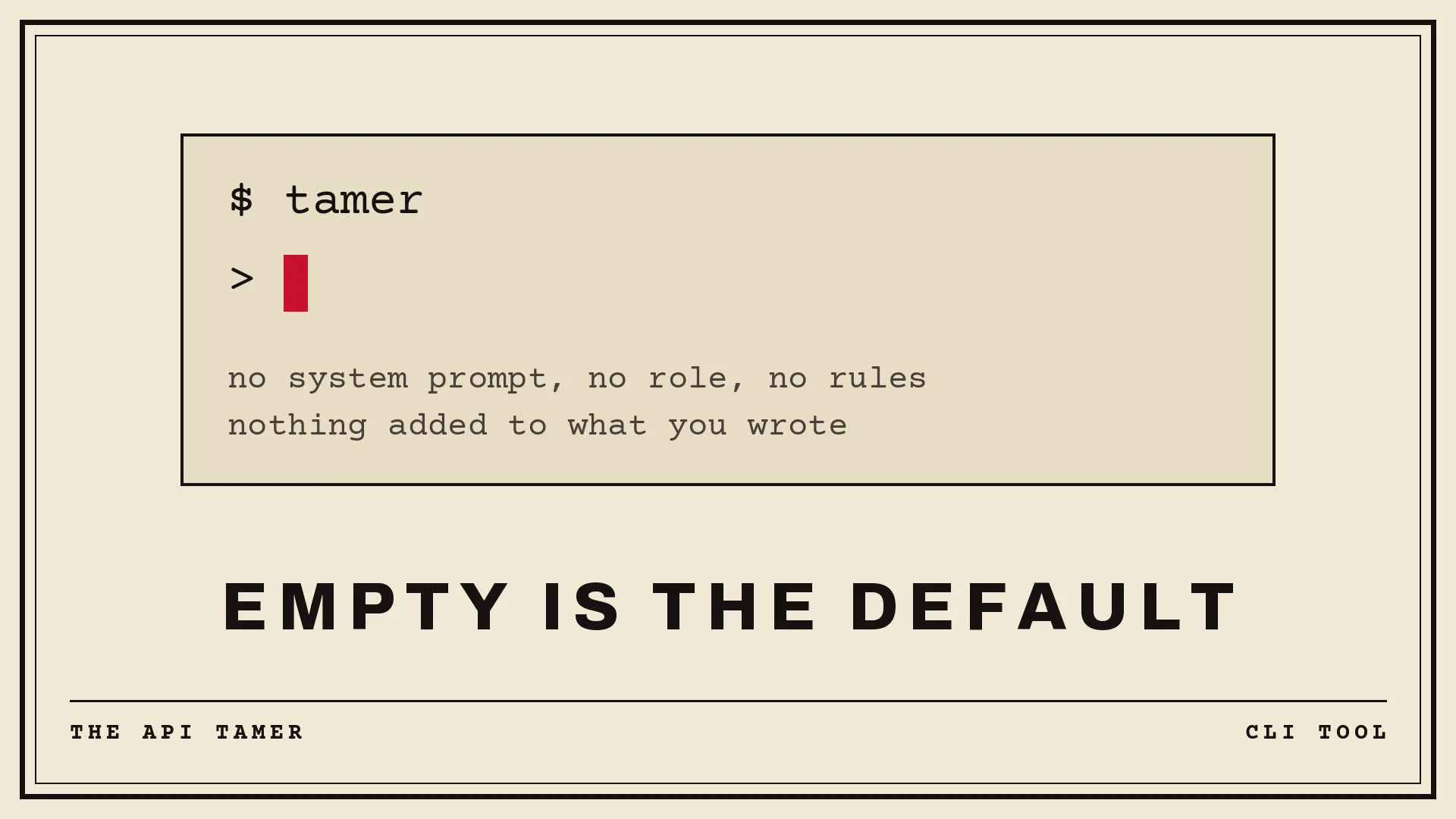
The API Tamer is a small terminal client for talking to LLMs over their APIs. It is built on one rule: the program never speaks for you. It writes no system prompt, assigns the model no role, and adds no instructions of its own to your request. What the provider hosts is what you get.
That isn’t a slogan, it’s checkable. In its default mode the JSON leaving your machine contains no system key and no tools key: absent, not empty, which for an API are different things. A unit test fails the build if either ever appears. /dump prints the exact request body before it goes out, byte for byte, with your key masked, and every request and response is appended to a plain JSONL log you can read with grep. Nothing is added behind your back because there is nowhere for it to hide.
Most terminal AI tools were built for one job, programming, and quietly wrap you in it: hardcoded personas, safety preambles, formatting rules, “helpful” context you never asked for. If you write prose, translate, plan, study, or just think out loud, that jacket doesn’t fit, and it’s why a conversation about a screenplay turns into a pedantic code review halfway through. The API Tamer leaves the canvas blank. You set the system prompt if and when you want one. You choose the role. Empty is the default.
Files, on your terms
The model gets nothing from your disk until you grant it. /mode read adds three tools: read a file, list a directory, grep. /mode write adds two more, and every write stops and shows you a diff before anything touches the disk: apply it, reject it, or open the proposal in your $EDITOR and apply your own version instead. A sandbox is rooted at the directory you launched in, with symlinks resolved so they can’t step around it, and a deny list of .git, .env*, *.key and .ssh hides matching paths entirely, down to their names. All of it is yours to widen, rewrite, or switch off; the program’s job is to make sure nothing crosses the boundary silently, not to decide where your boundary is.
And you can always simply hand over what you mean: @src/main.rs or @src/**/*.rs drops the file into your own message, visible in your own history, working even in the bare mode where the model has no tools at all.
One client, every provider
Any OpenAI-compatible endpoint (OpenRouter, OpenAI, Groq, DeepSeek, and whatever local llama-server, Ollama, LM Studio or vLLM you already run), plus native adapters for Gemini and Anthropic, native so that thinking blocks, prompt caching and exact token counts arrive intact instead of flattened by a middleman. Profiles live in a TOML config; /model switches mid-conversation with the history kept. API keys are read from the environment or from a 600-mode secrets file, never from the config you might commit.
It tells you what happened
Token counts, time to first token, generation speed, running cost per request. And on OpenRouter, which backend actually served you, since the same model name is quantized and configured differently on different hardware.
When a turn ends badly, it says so out loud: truncated by the token ceiling, cut by a provider filter, a tool call the provider threw away, or nothing but reasoning and no answer. Silence would be indistinguishable from the program losing your answer, and you’d go hunting for a bug that isn’t there.
Nothing is lost
Every session is appended to JSONL as it happens, survives a crash, and can be resumed, forked, searched, exported to markdown, or edited message by message: delete a bad turn, rewrite one, page through any of it. When the context fills up, compaction summarizes only the working window; the full history stays on disk, and /uncompact puts it back. The summarization prompt sits in your config, where you can read it and rewrite it.
Built small
Written in Rust: one binary, no runtime, starting in about ten milliseconds. Markdown and syntax highlighting are rendered as the text streams in, paced evenly rather than dumped in network-shaped bursts. A one-shot mode (tamer -p "…", or the prompt on stdin) drops it into scripts and pipes.
The API Tamer puts the API back in your hands. Nothing stands between you and the model that you didn’t put there yourself.